
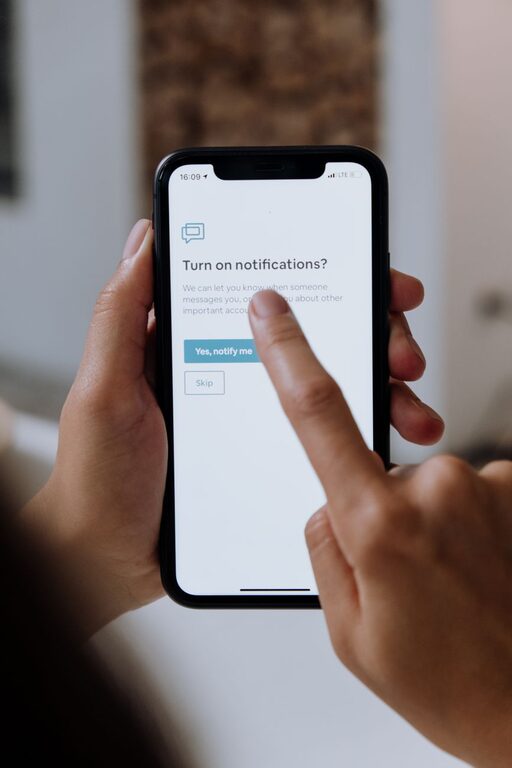
In today’s connected world, notifications keep us informed but can easily disrupt our focus and overwhelm us. Setting boundaries with notifications is essential to maintaining productivity, reducing stress, and enjoying more meaningful offline time. This guide offers practical tips for managing and controlling your notifications so they work for you—not against you.
Why Setting Boundaries with Notifications Matters
Smartphones, computers, and apps constantly send alerts that demand our attention. While some notifications are helpful, many are distracting or unnecessary. This constant interruption can fragment your attention, increase stress, and make it harder to complete tasks.
By setting boundaries, you can:
– Regain control over your time and attention
– Minimize distractions for better concentration
– Create space for focused work and personal time
– Improve your overall digital well-being
Assessing Your Current Notification Habits
Before making changes, take a moment to evaluate how notifications currently affect you:
– How often do you get interrupted by alerts?
– Which notifications are helpful, and which are distractions?
– Do notifications interfere with your work or sleep?
This self-awareness will help you decide which notifications to keep and which to silence.
Practical Tips for Managing Notifications
1. Customize Notification Settings on Each Device
Dive into your device’s settings to tailor notifications:
– Turn off non-essential notifications for apps you rarely use
– Enable “Do Not Disturb” modes during meetings, focus hours, or at night
– Use priority notification settings to allow only important alerts
2. Organize Apps into Categories
Group your apps based on urgency and relevance:
– Work-related apps can have different settings from social media or games
– This helps you quickly identify which notifications to allow during specific times
3. Schedule Notification-Free Blocks
Designate parts of your day as notification-free:
– Use “Focus mode” or similar features to limit interruptions during deep work
– Inform colleagues and friends of your schedule for availability
– Use alarms or calendar reminders instead of relying on constant notifications
4. Reduce Notification Volume and Sound
Lower the volume or switch off sounds to decrease distraction:
– Silent or vibrate modes can be less disruptive
– Visual alerts like badges or banners can be less intrusive than sounds
5. Use Notification Management Apps
Explore apps designed to help you control notifications more effectively:
– They offer granular control or summary digests of notifications
– Some apps provide analytics on your notification habits to inform better choices
6. Practice Mindful Notification Checking
Train yourself to check notifications purposefully rather than reactively:
– Set specific times to review messages and alerts
– Avoid instantly responding to every notification
– This reduces stress and boosts your ability to focus
Maintaining Healthy Notification Boundaries
Setting boundaries is an ongoing process:
– Regularly review and adjust your notification settings as apps and routines change
– Communicate your preferences with coworkers, family, or friends
– Be patient; breaking notification habits takes time
Benefits of Well-Managed Notifications
By managing notifications thoughtfully, you may notice:
– Increased productivity and focus
– Reduced stress and better mental clarity
– More quality time for yourself and loved ones
– Improved sleep quality by limiting nighttime alerts
Conclusion
Notifications can be useful tools, but without boundaries, they can overwhelm and distract us. Use these tips to customize your notification habits, protect your focus, and create balance in your digital life. With small changes, you can take back control and enjoy a more intentional relationship with your devices.
—
Setting boundaries with notifications doesn’t mean disconnecting completely—it means choosing when and how to engage. Start today by assessing your current habits, then apply these simple strategies to build a healthier, more productive digital routine.