
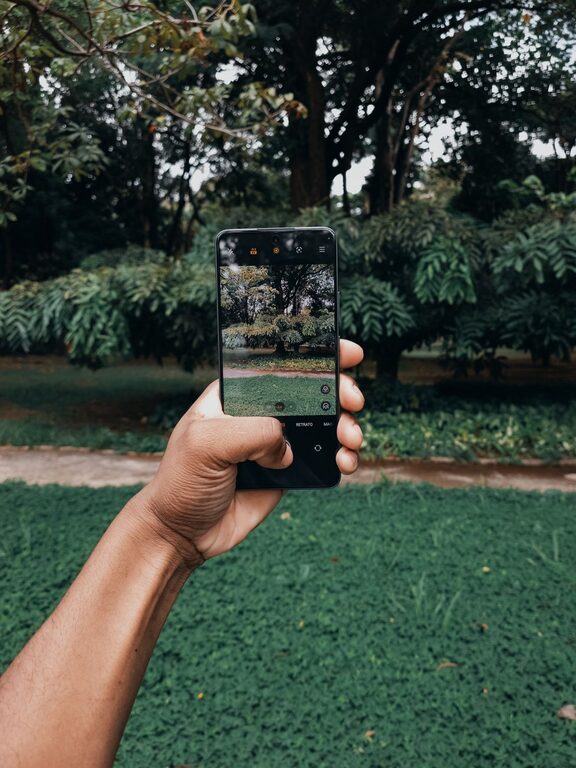
Taking great photos with your phone is easier than you might think. With just a few simple tips and a bit of practice, you can capture beautiful images that stand out. Whether you’re snapping pictures of your family, landscapes, or everyday moments, these beginner-friendly tips will help you take better phone photos right away.
Understand Your Phone Camera Features
Before diving into photography techniques, spend some time exploring your phone’s camera app. Most smartphones come packed with useful features like:
– Grid lines: Helps with composition by dividing your screen into thirds.
– HDR mode: Balances light and dark areas in your photos.
– Focus and exposure controls: Lets you decide where to focus and how bright or dark your image is.
– Portrait mode: Creates a blurred background effect, making your subject pop.
Familiarizing yourself with these tools will give you more control over your shots.
Focus on Composition
Composition is how you arrange elements in a photo. Good composition draws the viewer’s eye and tells a story. Here are some key rules to get started:
Rule of Thirds
Turn on the grid lines in your camera app. Imagine your scene divided into nine equal parts by two vertical and two horizontal lines. Place important elements along these lines or where they intersect. This makes photos more balanced and appealing.
Leading Lines
Use natural lines such as roads, fences, or rivers to guide the viewer’s eye to your main subject.
Simplify Your Scene
Avoid clutter. Try focusing on one subject or a small group of items to make a clearer, stronger photo.
Frame Your Subject
Look for ways to frame your subject using doorways, branches, or windows. This adds depth and interest.
Use Natural Light Wisely
Lighting can make or break a photo. The best light is usually natural light, but the quality of that light matters.
– Golden hour: Shoot during the first hour after sunrise or the last hour before sunset for warm, soft lighting.
– Overcast days: Clouds act like a giant diffuser, creating soft shadows without harsh highlights.
– Avoid midday sun: Harsh overhead sunlight can cause strong shadows and overexposed areas.
– Use shade: If it’s sunny, move your subject into shade for even lighting.
Remember to tap on your subject on the screen to help your phone adjust focus and exposure correctly.
Keep Your Lens Clean
It’s easy for your phone’s lens to get smudged or dirty, resulting in blurry or hazy photos. Regularly wipe the lens gently with a soft cloth to maintain clear, sharp images.
Steady Your Shot
Blurry photos often come from camera shake. To stabilize your phone:
– Hold your phone with both hands.
– Tuck your elbows into your body for support.
– Lean against a steady surface if available.
– Use the volume button or a remote shutter if your phone supports it to reduce movement when tapping the screen.
Experiment with Angles and Perspectives
Don’t just shoot from eye level. Try crouching down, holding your phone above your head, or tilting it for creative perspectives. Changing your angle can turn an ordinary scene into an extraordinary photo.
Edit Your Photos
Editing can enhance your photos, making colors more vibrant or correcting exposure issues. Most smartphones include basic editing tools such as:
– Crop and straighten
– Adjust brightness, contrast, and saturation
– Apply filters or presets (use sparingly)
There are also many free editing apps available, allowing you to fine-tune photos without overwhelming effects.
Practice Regularly and Review Your Photos
The best way to improve is to practice often. Take photos of different subjects and settings, then review your shots critically. Notice what works and what doesn’t, and try to apply those lessons next time.
Additional Tips for Beginners
– Avoid digital zoom: Zooming in reduces image quality; instead, move closer to your subject.
– Use burst mode: For fast-moving subjects, hold the shutter button to capture multiple shots and choose the best one.
– Keep your phone charged: You don’t want to miss a great photo opportunity due to low battery.
– Backup your photos: Use cloud storage or regularly transfer images to keep them safe.
—
By following these beginner tips, you’ll be able to take more compelling and visually pleasing photos with your phone. Remember, photography is a skill that improves with time and creativity, so have fun exploring and capturing your world!